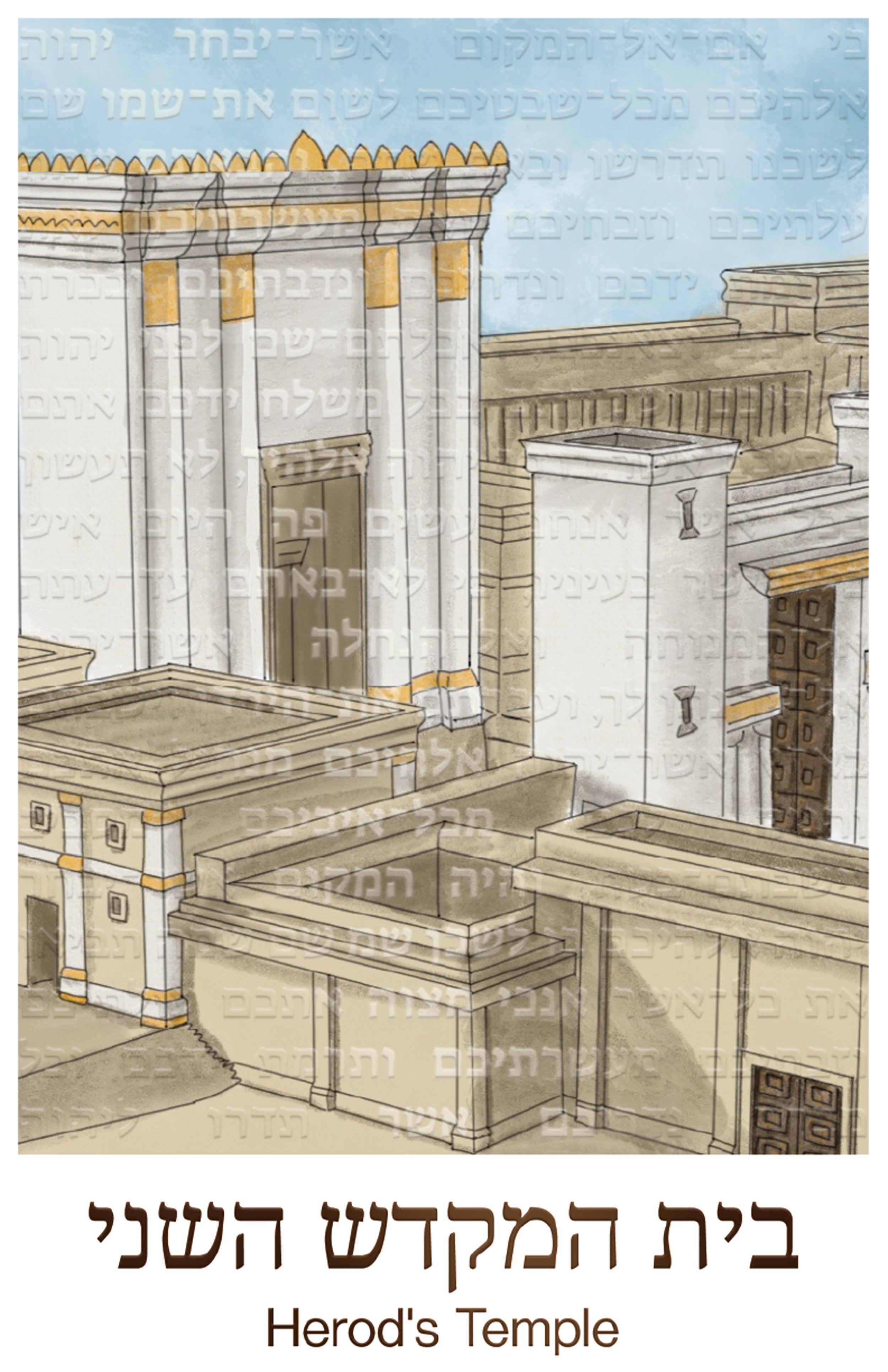
Herod’s Temple
Ricoh 5th Colour Printing | Procreate, Illustrator & Photoshop
This A+ project was done for my Ricoh 5th Colour Printing assignment for my Digital Printing Technologies class. The assignment was to:
design a poster that incorporated one of the selected 5th colour options (clear, neon pink, or invisible red) as part of the design,
correctly set the 5th colour as a spot colour with the right name,
accurately use overprint and knockout settings, verified using separations preview in Acrobat,
preflight in Acrobat,
upload to Fiery RIP through EFI Command Workstation and set up the job,
and release it to the Ricoh C7210x to print
I drew the second temple on Procreate on my iPad using a combination of online references I found that depict what the temple looked like. I then sent the drawing to my laptop where I opened it in Illustrator to create the poster according to assignment specifications and printed it in lab.
I then came back to the file, exported the UV mask separately from the CMYK layer, and opened them in Photoshop where I used effects to create a mockup of how the clear overlay looks. Finally, using a royalty-free .pdf mockup file of the picture frame, I created a framed mockup using Photoshop.
Created in Illustrator, UV overlay mocked up in Photoshop.
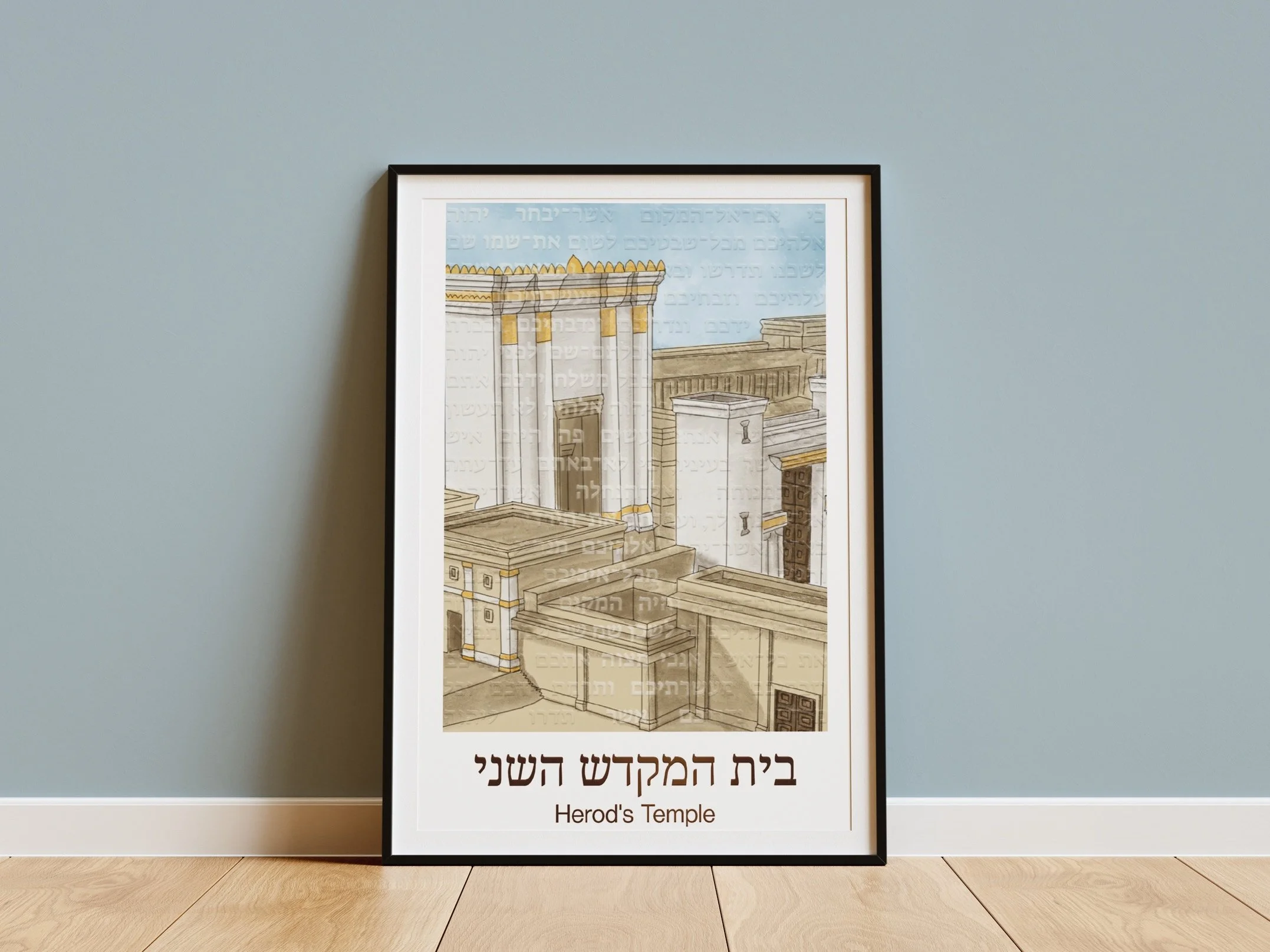
Frame mocked up in Photoshop.
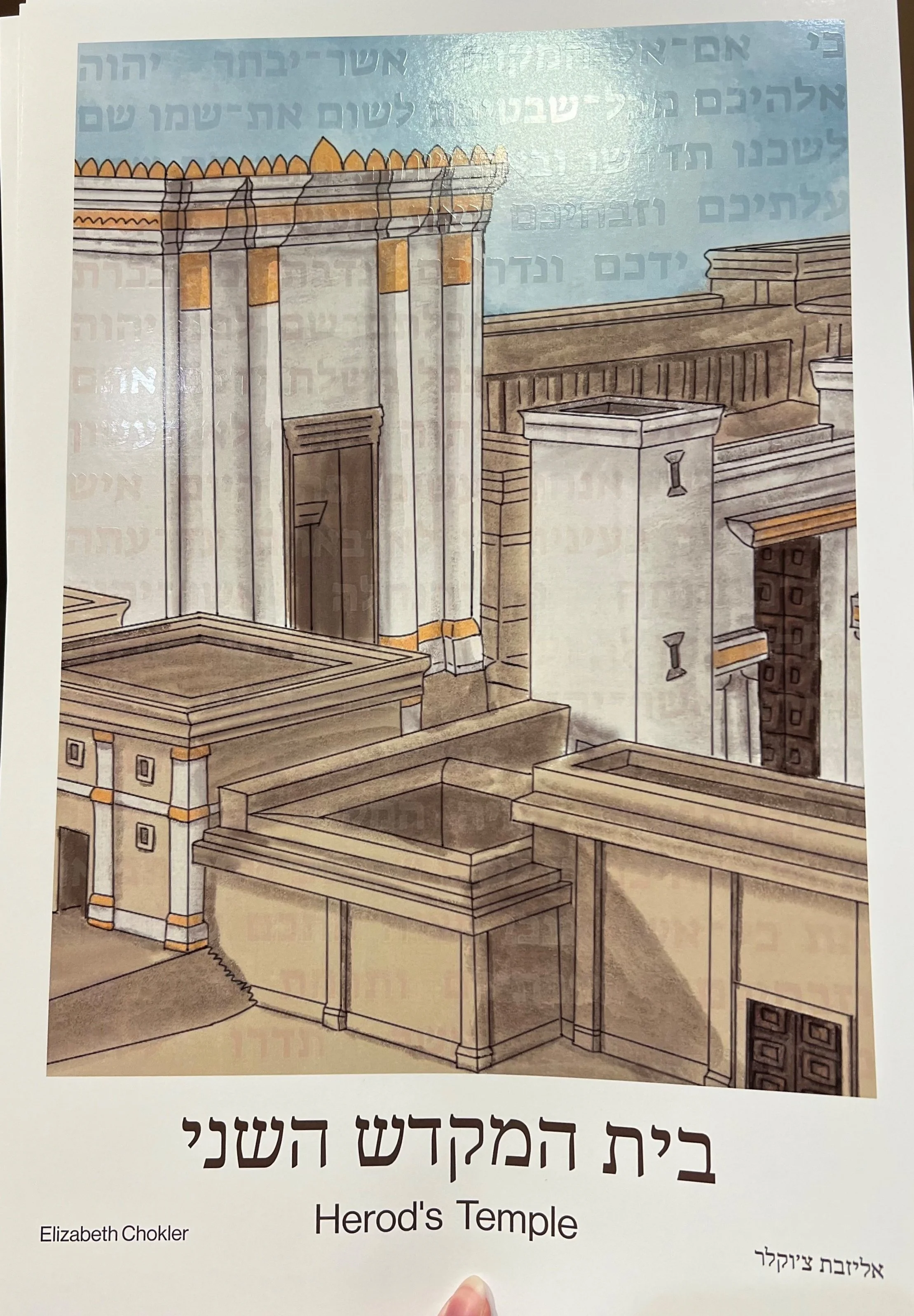
Photo of poster printed using the Ricoh C7210x digital press using clear uv varnish as the 5th specialty colour option.